
Everything in one place
Monitoring data and access lived in different tools. People wanted all websites, metrics and errors on one dashboard.
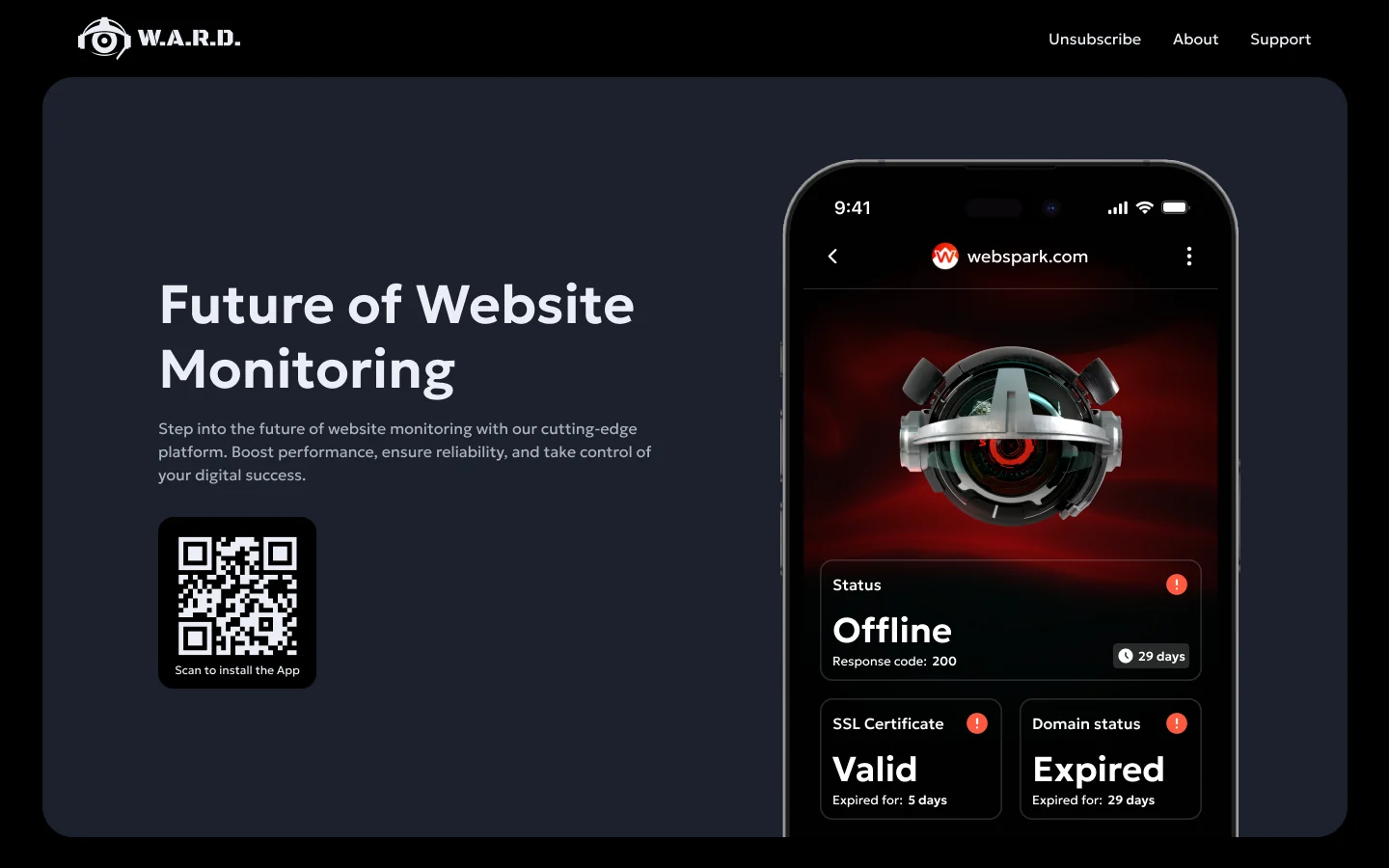
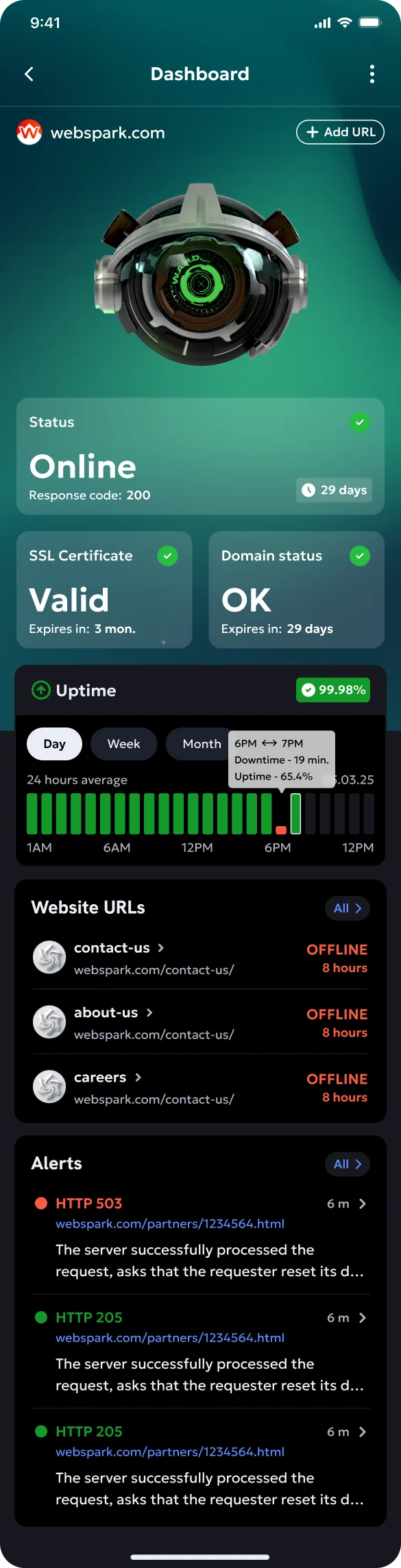
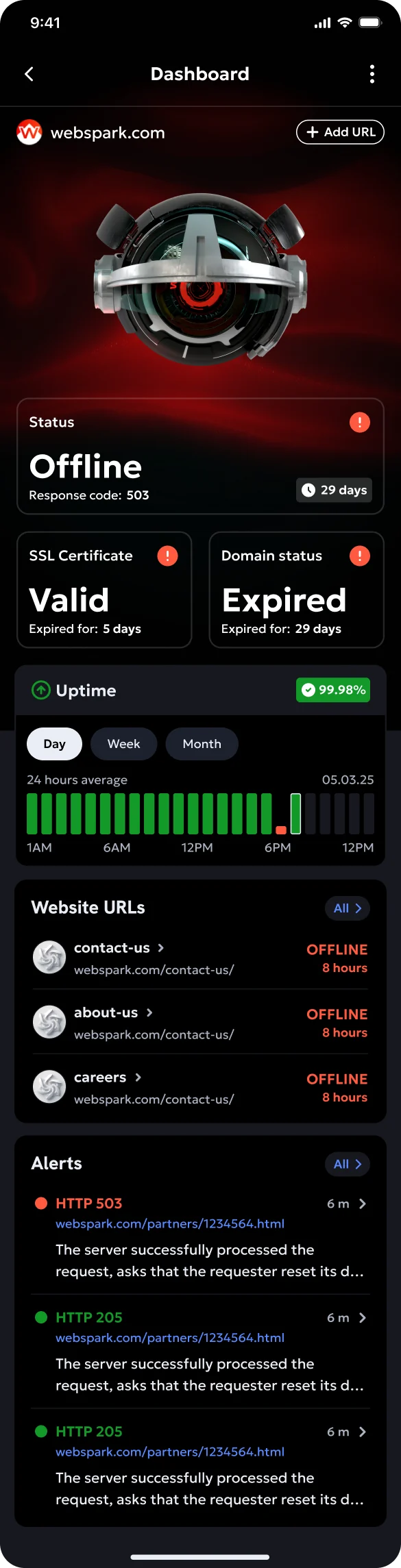
A mobile app for website monitoring. It shows uptime, SSL and domain status and turns server errors into alerts people can understand.
01 · Research
We started with users’ jobs, pains and gains in their own words and mapped them on a Value Proposition Canvas. Three themes stood out.
The first W.A.R.D. was a small project with an elaborate, striking interface, and that interface was what users praised. Research showed who the audience is, what it expects from a product like this and how it should look. We then changed almost everything, including the target audience.
Monitoring data and access lived in different tools. People wanted all websites, metrics and errors on one dashboard.
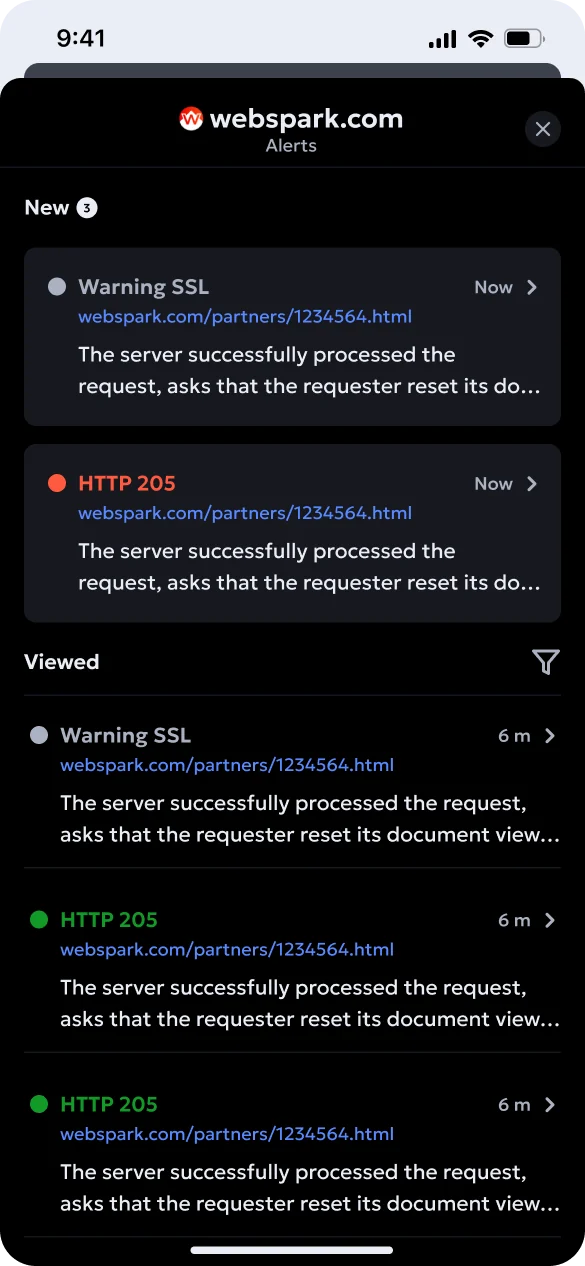
Alerts piled up with no structure, got muted or drowned in email. Critical ones had to stand out.
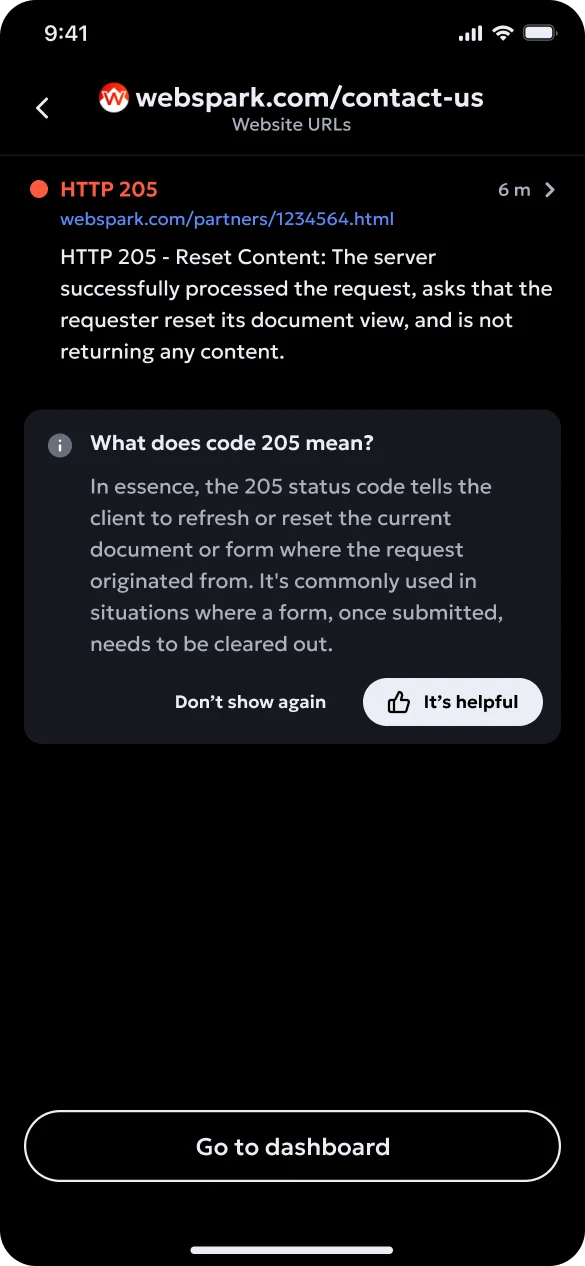
Managers and clients needed errors explained simply so they could discuss them with developers.
02 · User flows
First launch, a link in the clipboard, redirects within and outside the domain, pages that don’t return status 200.
03 · Key decisions
Green means online, red means trouble. Status, response code, SSL and domain expiry sit above the uptime chart.
An alert says what the HTTP code means. Users can rate the hint or hide it.
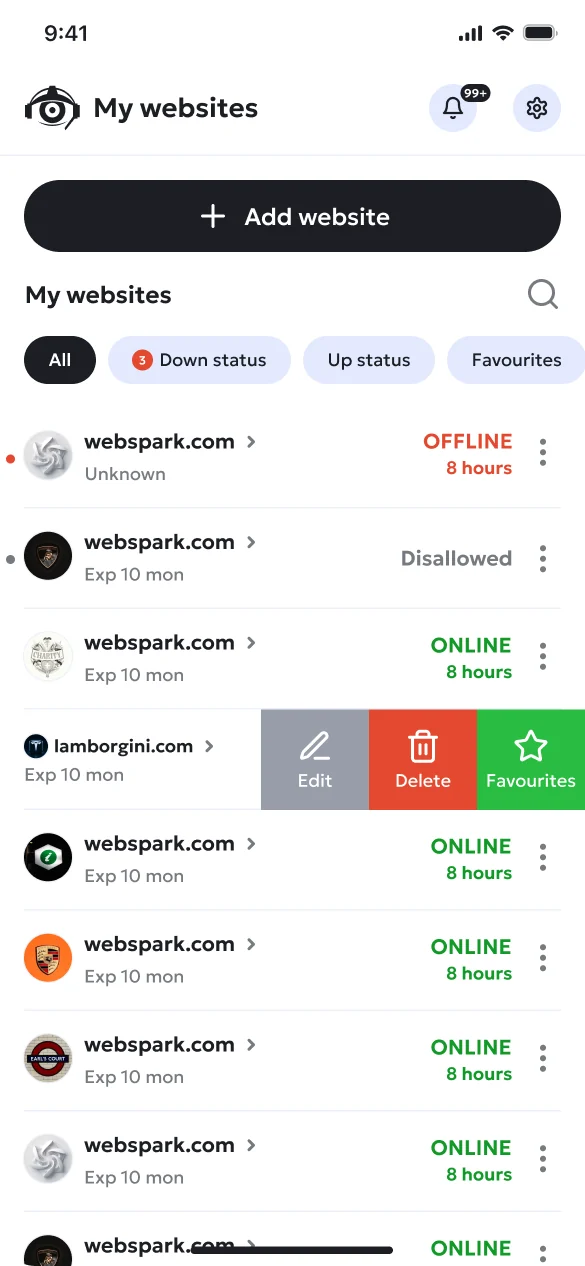
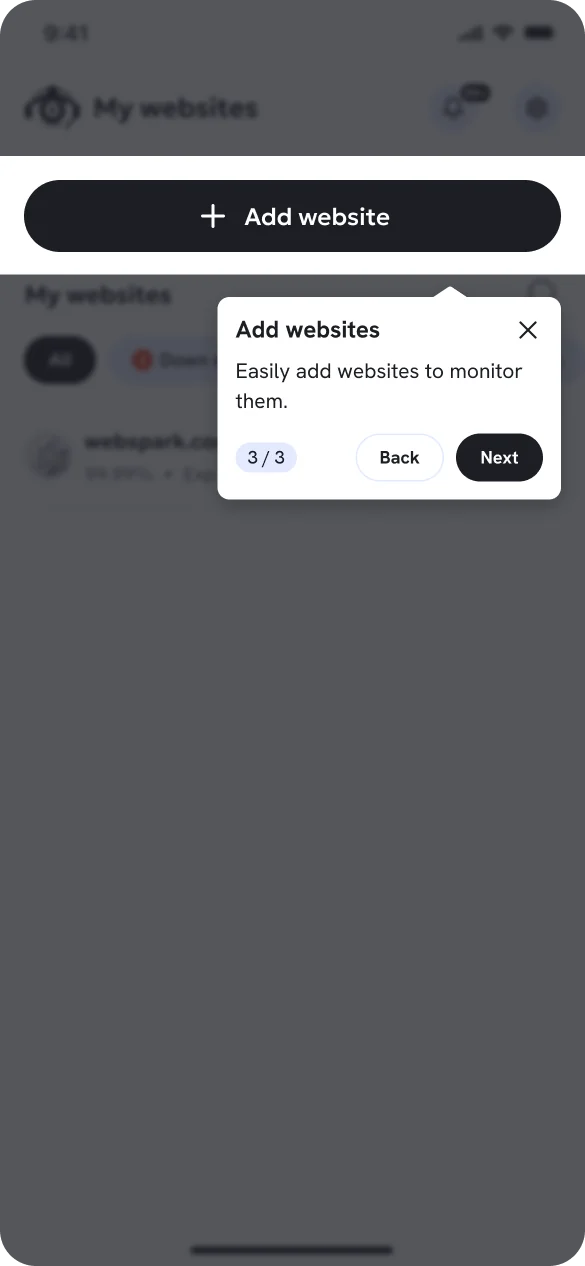
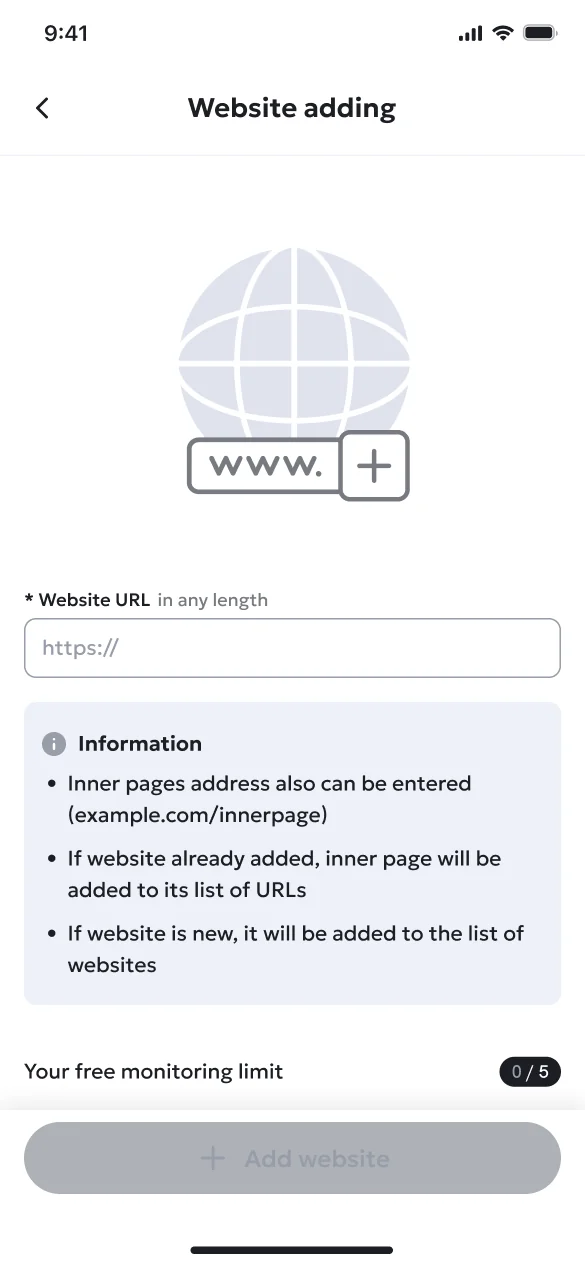
Two steps: add the domain, then inner pages. The app offers to paste from the clipboard and handles redirects and error responses.
04 · Screens
05 · Result
W.A.R.D. was also one of the projects where I developed UX research as part of our design process.
Onboarding, adding websites and pages, dashboard, search, alerts and settings.
Empty states, server and offline errors, blocked account, forced update, loading skeletons and a layout for small screens.
Light and dark themes, a UI kit, a promo page and store assets for App Store and Google Play.
Figma
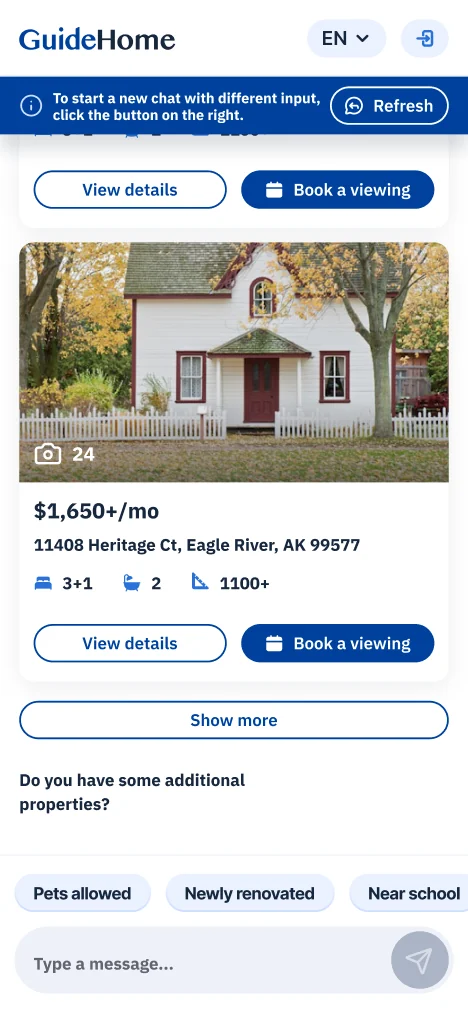
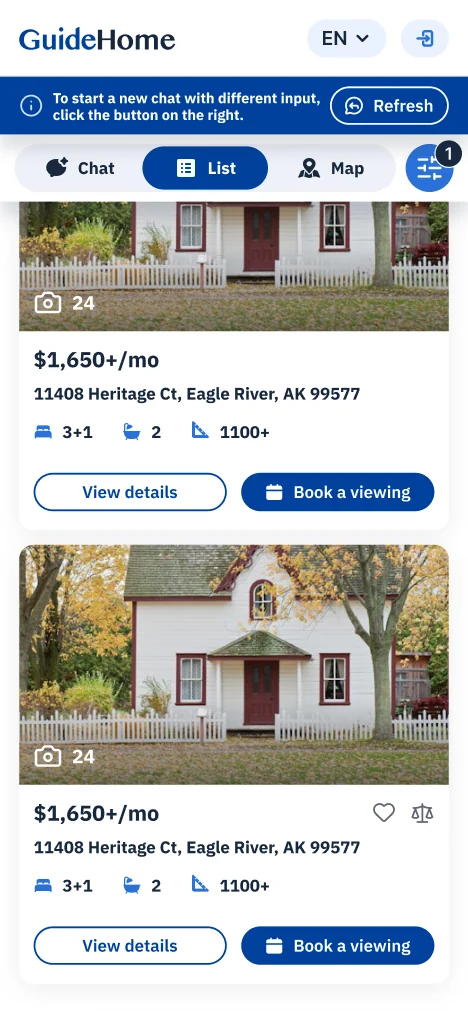
Rental search through chat, with viewing booking
Open case →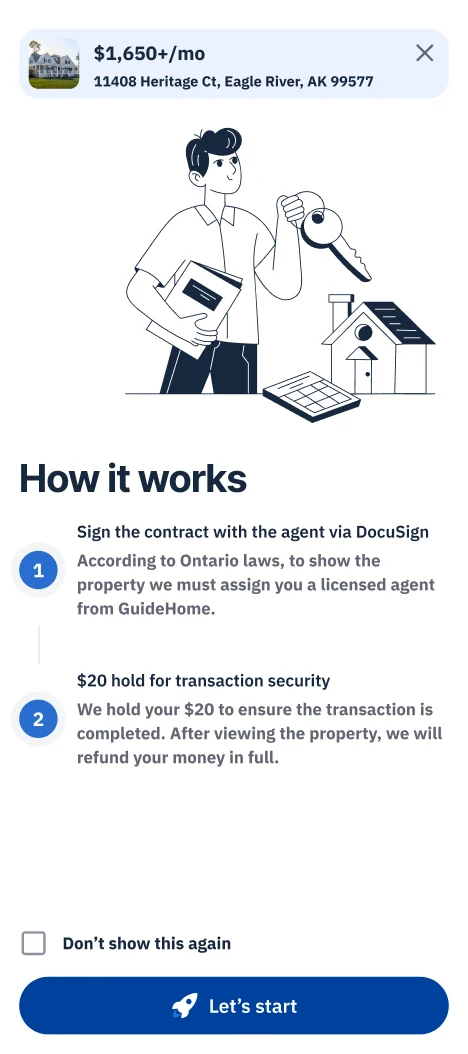
I’m looking for a full-time role as a Senior Product Designer or Senior UI/UX Designer. Open to Design Lead offers too.
kamyanskiy.i@gmail.com